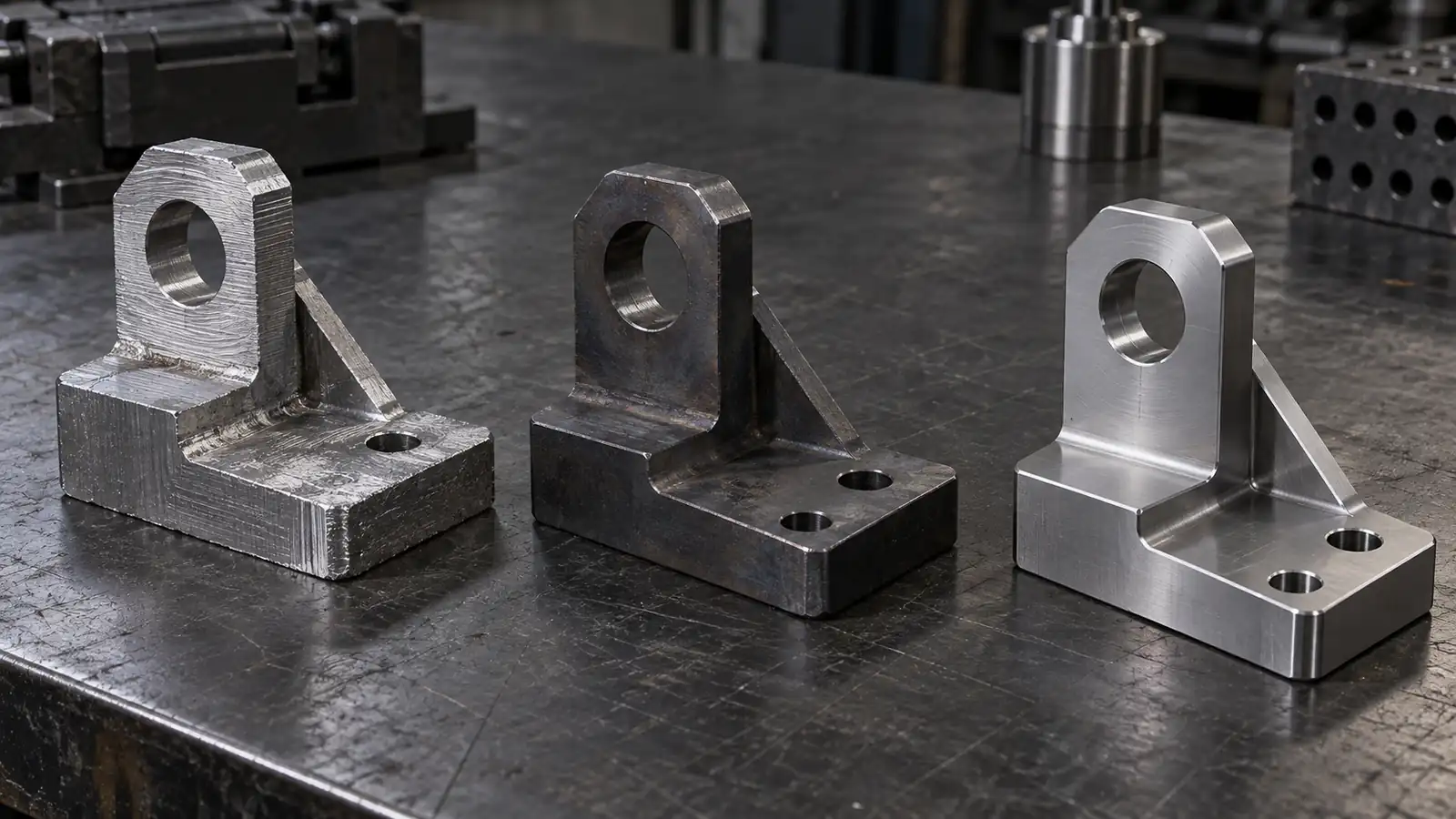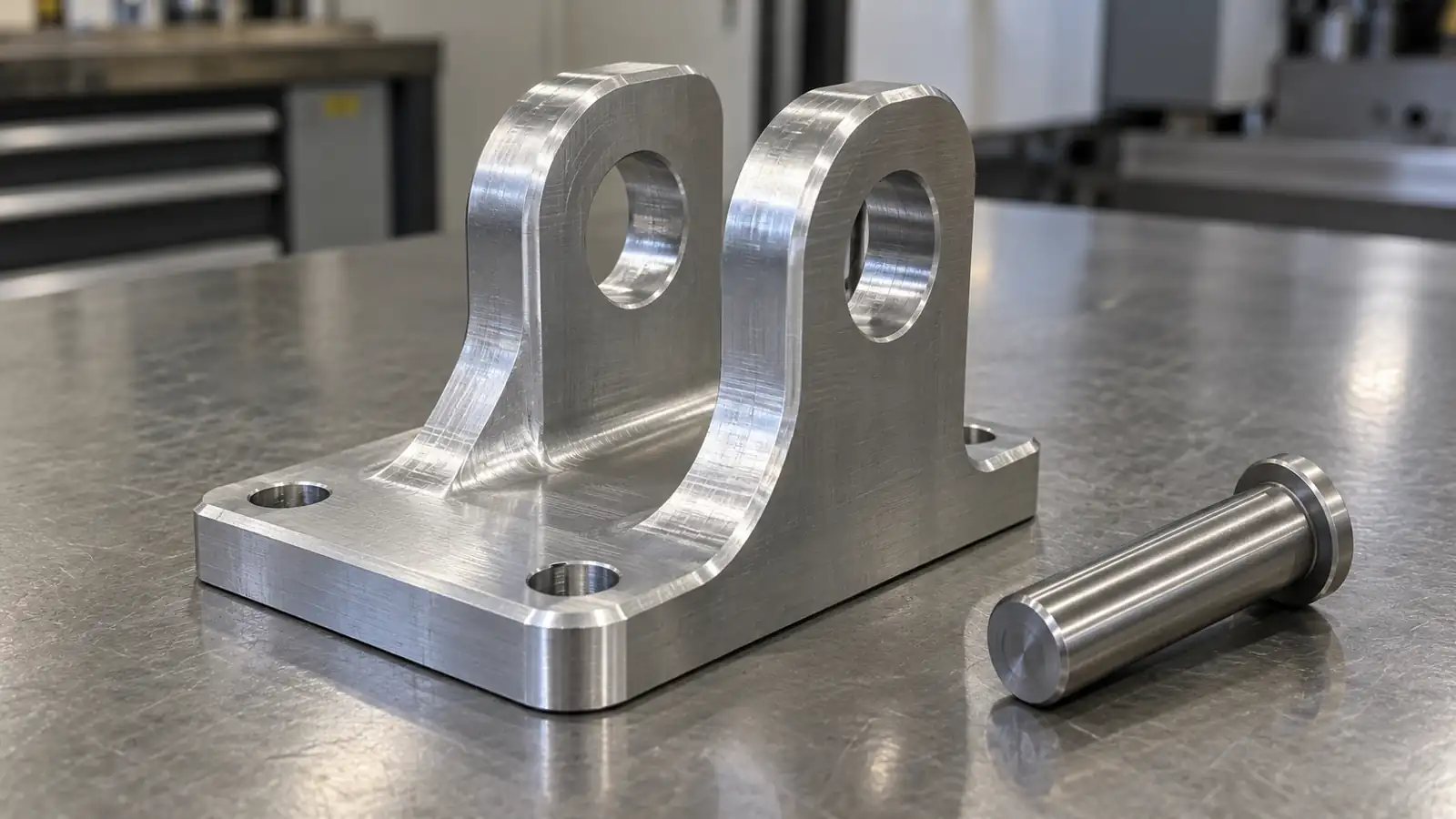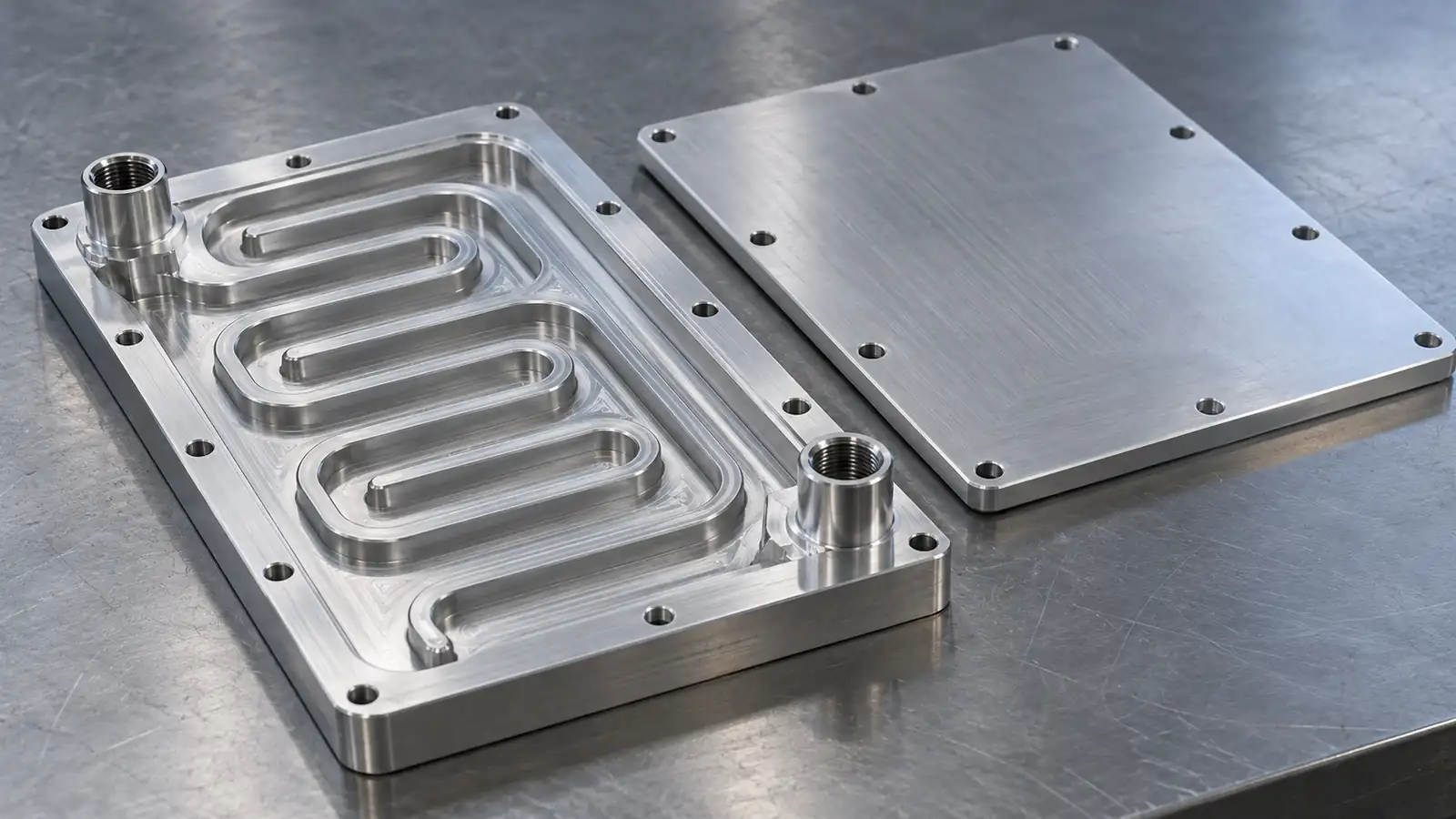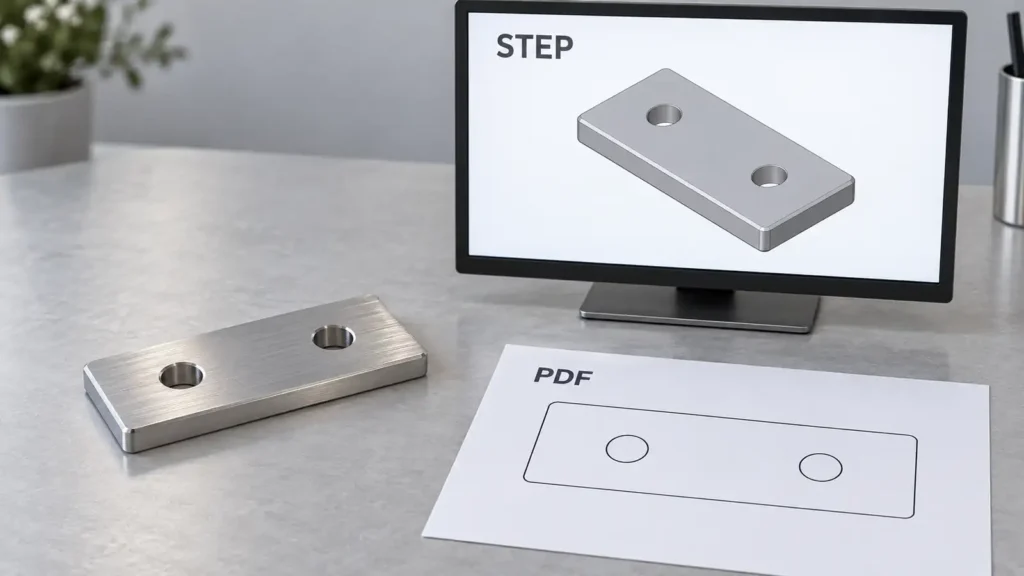
AI-generated conceptual engineering visual, not a customer part, released drawing or JIZAO manufacturing evidence. The simplified PDF sketch shows matching geometry only; a real controlled definition must include the applicable requirements.
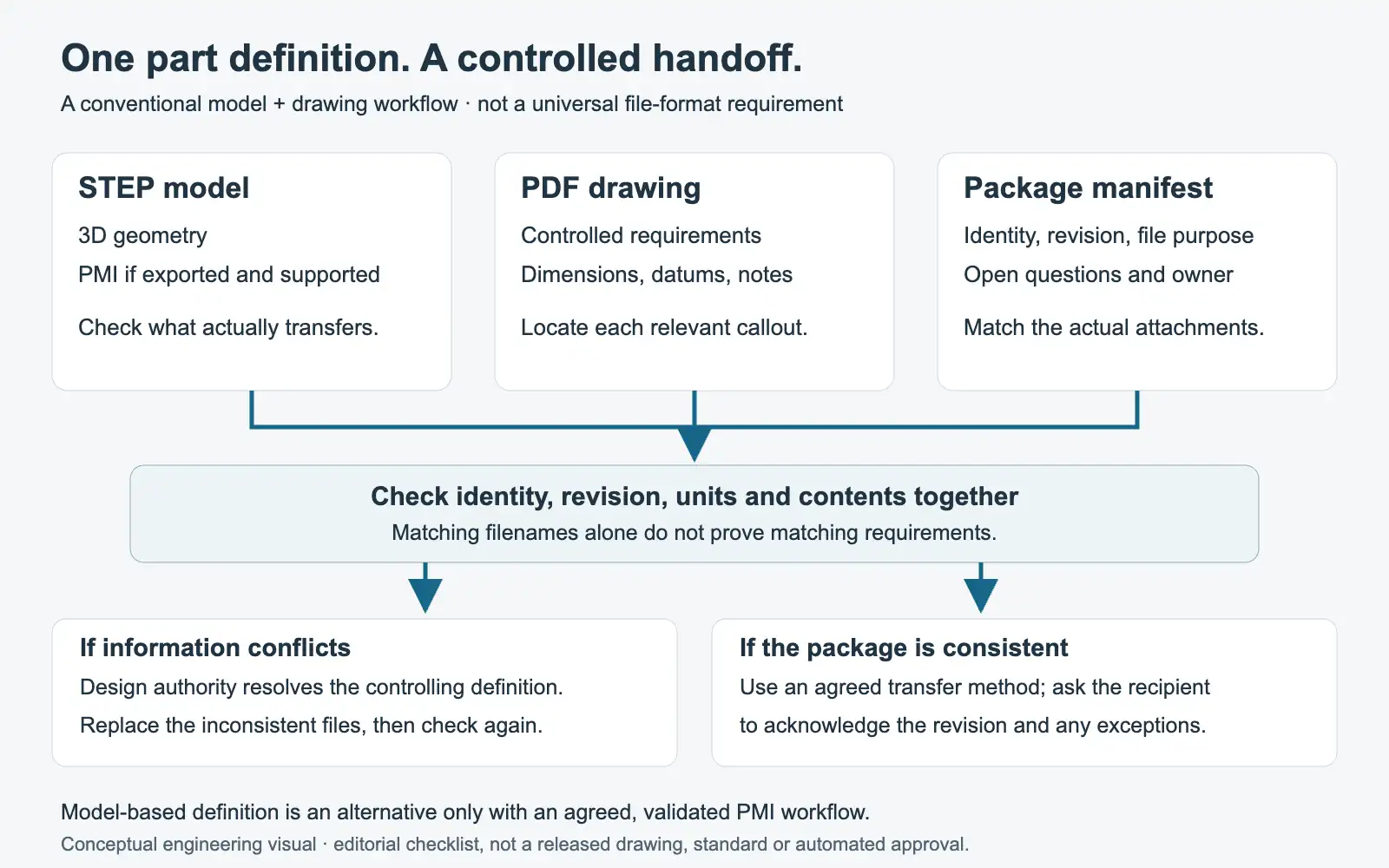
For a conventional CNC quotation, prepare a STEP model and a readable PDF drawing from the same controlled design revision, then confirm the supplier’s accepted file requirements. Add a short manifest identifying the files, their revision, and unresolved questions. Do not assume that a model which opens successfully contains every manufacturing requirement.
A PDF is not universally mandatory: an agreed model-based definition workflow can use validated product and manufacturing information instead. What matters is that both parties receive, understand, and accept the complete definition—not simply that two attachments were sent.
What can a STEP file contain?
STEP supports exchange of part and assembly data and can carry product and manufacturing information, or PMI. It is incorrect to say that STEP files never contain tolerances. NIST distinguishes semantic PMI, which is computer-interpretable, from graphic PMI, which presents the visual appearance of annotations. The two are not interchangeable. NIST STEP File Analyzer and Viewer
Ask what the exported file actually includes and what the recipient can interpret. A file extension alone does not answer either question.
Why send a PDF drawing as well?
A drawing provides a place to communicate and review requirements explicitly. For example, Protolabs describes a workflow requiring a 3D CAD model together with a 2D drawing for GD&T tolerances. That is evidence of one supplier’s process, not a universal rule or a statement of JIZAO’s accepted formats. Protolabs’ tolerancing guidance
For inspection-specific planning, see GD&T and CMM inspection planning.
For your own package, use a checklist to confirm where each requirement is defined. Avoid relying on a rendering’s color or appearance to communicate material or finish. If a requirement is intentionally unspecified, identify it as an open decision instead of allowing the supplier to guess.
Build a requirement-to-file map
The following is a suggested handoff checklist, not a drafting standard or a substitute for engineering approval:
| Information | What to check before sending |
|---|---|
| Part identity and revision | Model, drawing, and manifest identify the same released design. |
| Units | State the intended units and request confirmation if an import appears inconsistent. |
| Material | Identify the required grade and condition, or clearly request a recommendation. |
| Dimensions and GD&T | Point to the controlled definition of functional requirements and datums. |
| Threads | Identify the applicable designation and required depth information; do not leave interpretation to a visual model alone. |
| Surface requirements | Identify the affected surfaces and the controlling finish or treatment specification. |
| Inspection deliverables | State which reports or records you require so they can be reviewed with the quotation. |
| Quantity and scope | Separate quantities and optional operations from the technical definition. |
Review the package as a recipient would. Can someone identify the current files without reading a long email chain? Can they locate the requirement you are asking them to price?
Keep model and drawing revisions together
Consider this illustrative naming convention:
EXAMPLE-001_Rev-C.step
EXAMPLE-001_Rev-C.pdf
EXAMPLE-001_Rev-C_manifest.txt
These are fictional filenames, not customer records. The manifest could list the part number, revision, release status, export date, file purpose, and contact responsible for technical questions. Add a brief change summary when replacing an earlier package.
Matching names are helpful but do not prove matching contents. Open the exported model and PDF, compare the changed features, and confirm that the drawing sheets belong to the intended revision. Mark superseded files clearly in the communication so the recipient is not asked to choose between multiple plausible versions.
What if the model and PDF disagree?
Do not assume that the PDF always overrides the model, or that the model always overrides the PDF. Ask the design authority to resolve the discrepancy and document the controlling definition. The same applies when a note, dimension, or attachment is ambiguous.
Our recommended handoff practice is to keep a short discrepancy log: feature, conflicting information, question owner, and approved resolution. Replace the inconsistent package after resolution. Do not quietly modify the model merely to match one interpretation of the drawing.
What should be checked after export?
NIST describes validation properties that help check imported model quantities against those calculated by the native CAD system. It also distinguishes basic STEP syntax checking from analysis of PMI. These are useful checks, but none should be represented as automatic approval of a complete manufacturing definition. NIST STEP File Analyzer and Viewer
For the handoff, request confirmation that the recipient can open the intended part, identify the revision, and access the relevant annotations. Where PMI is the controlling definition, agree on the validation and interpretation workflow before relying on it in place of a drawing.
A final pre-send checklist
- Confirm the package is approved for the intended recipient.
- Include only the current quotation files and necessary supporting information.
- Identify outstanding engineering decisions explicitly.
- Check that the manifest matches the actual attachments.
- Ask the supplier to acknowledge the revision and any exceptions before proceeding.
For an initial nonconfidential JIZAO inquiry, share a nonconfidential description, quantity, and the type of review needed. If access is a concern, request a five-axis machining review. Agree on file compatibility and a suitable transfer method before sending proprietary or restricted drawings. This article is a preparation guide; it does not promise a particular file-processing capability, certification, quotation time, or inspection service.